 Noor Notes
A little room for you two.
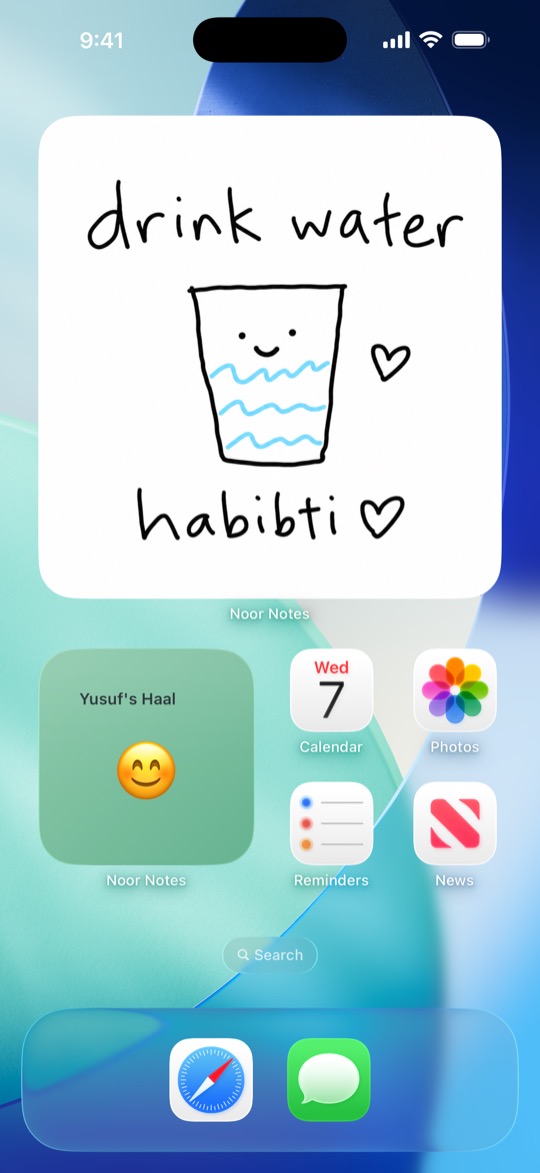
Noor Notes is a private iPhone app for two people. You share one small room: notes wait on the table, how you’re feeling shows in the window, and a cat sleeps on the rug until something arrives.
 Free on iPhone
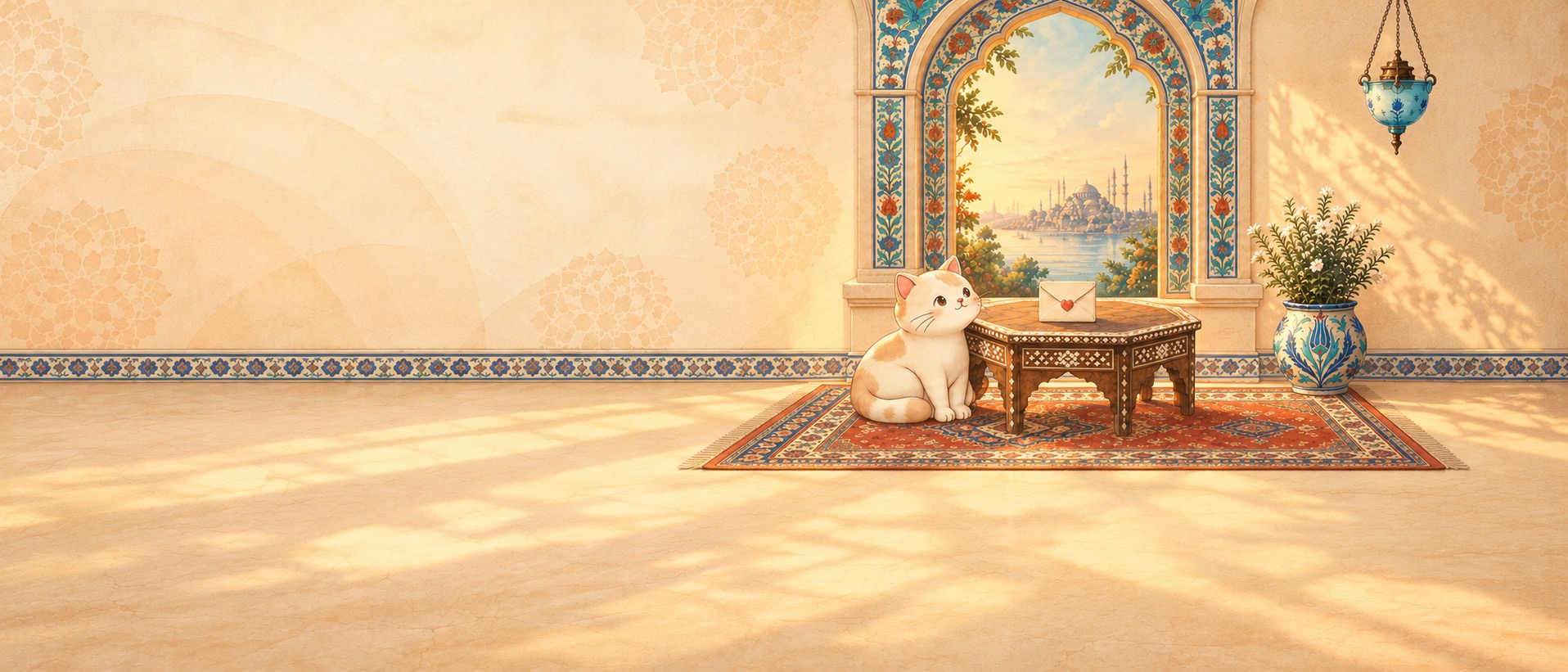
Everything in the room does something.
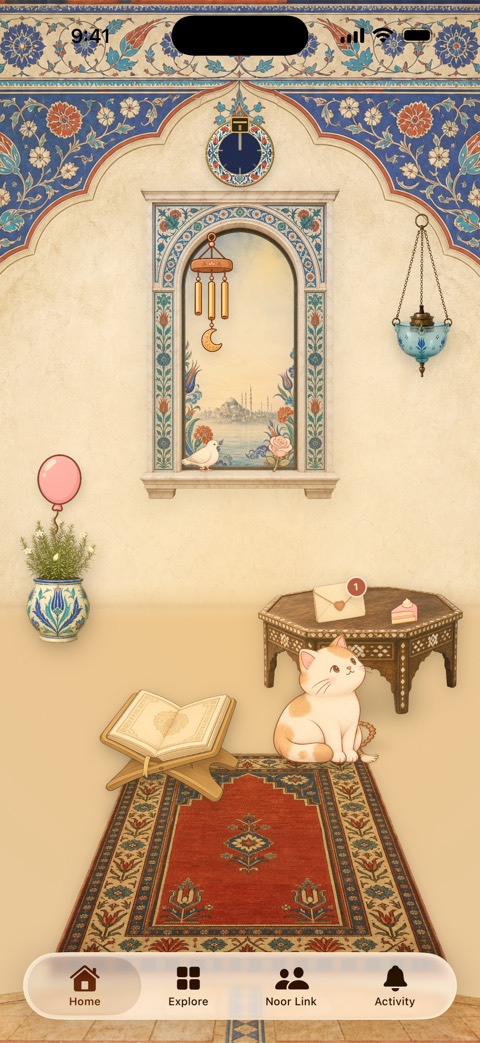
This is the first screen you see when you open Noor Notes. Tap around.
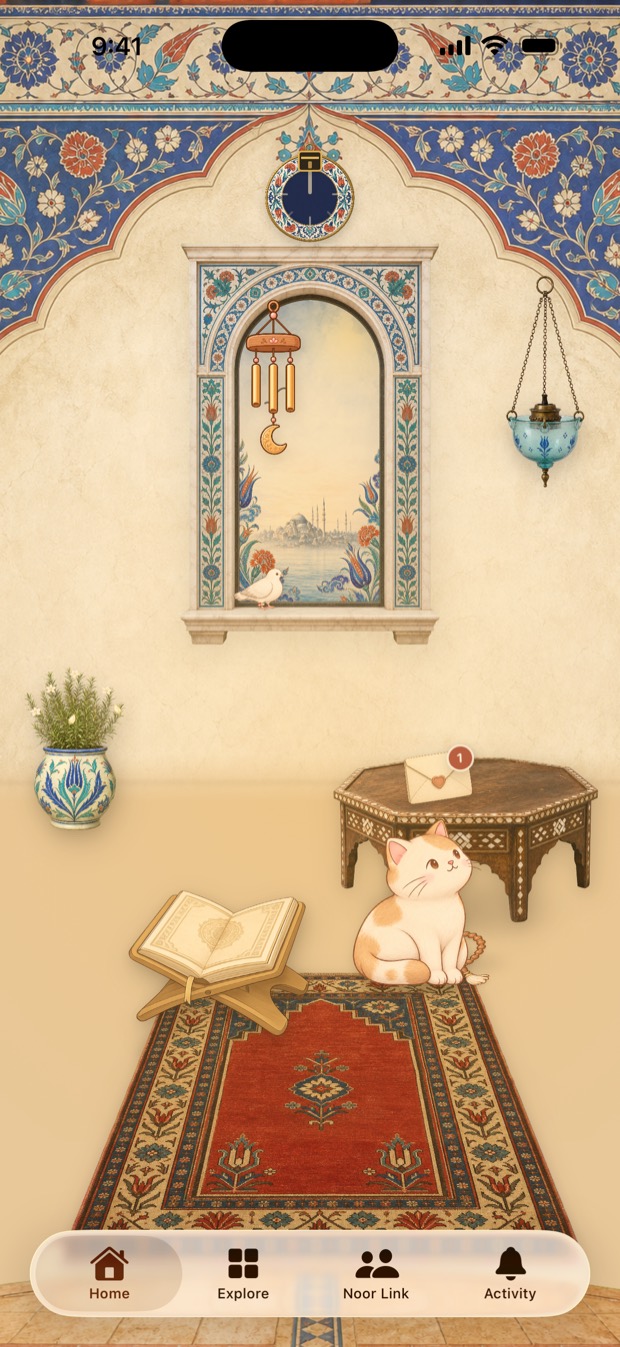
- The dial over the window points to the Qibla. Tap it for the full compass.
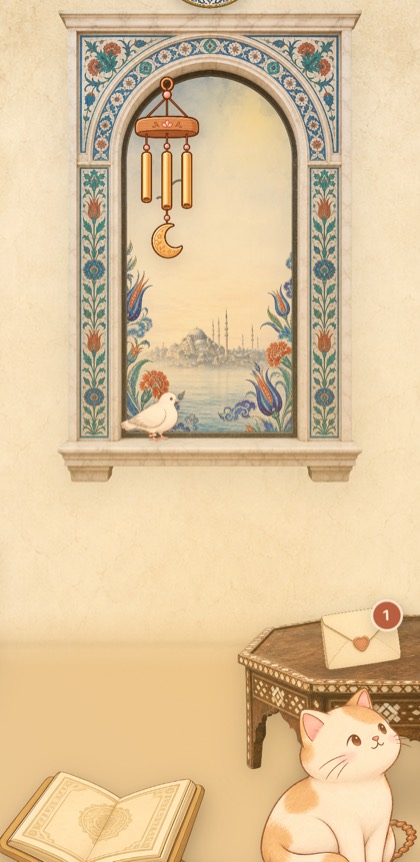
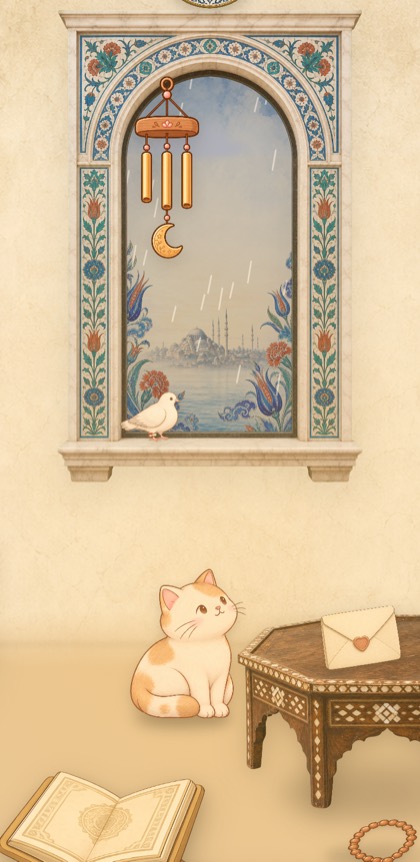
- The window shows how your person is doing, as weather. More on that below.
- The lantern switches the room to night. After sunset it does that on its own.
- The dove opens a new note. When you send it, the dove flies off with it.
- The plant grows buds, then flowers, the longer your streak gets.
- New notes wait on the table. The cat usually gets there first.
- The Qur’an opens the reader. On Fridays it opens to Surah Al-Kahf.
- The prayer mat glows when it’s nearly time to pray. Tap it for today’s times.
Send a dua, not just a text.
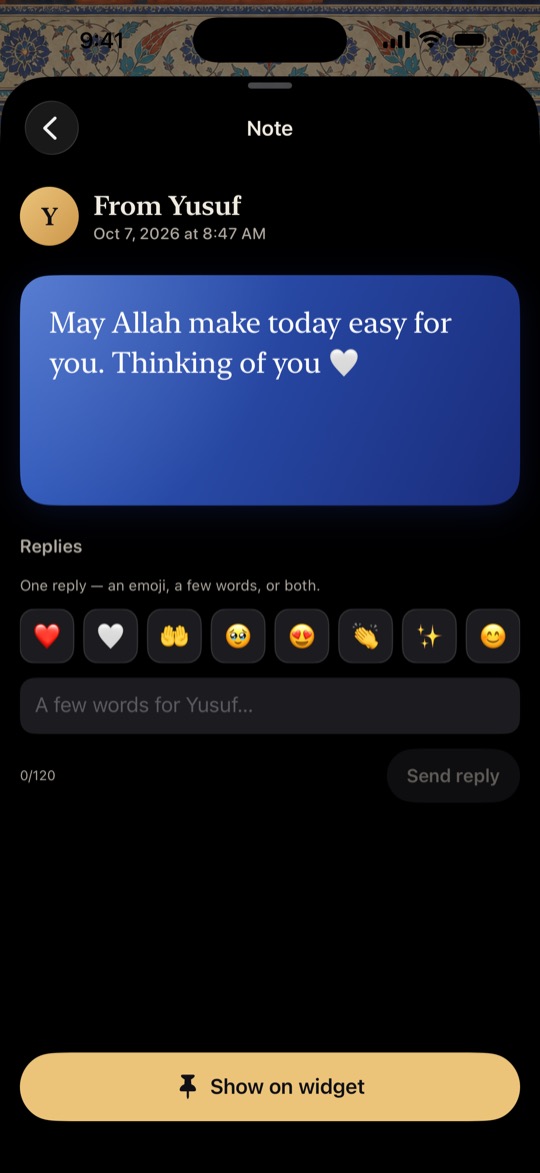
Write a few words, draw something with your finger, or add a photo. You can also pick a dua from the library and send it in Arabic, English, transliteration, or all three.
They get one reply back: an emoji, a few words, or both. And if they tap Show on widget, your note stays on their Home Screen.
How are you, really?
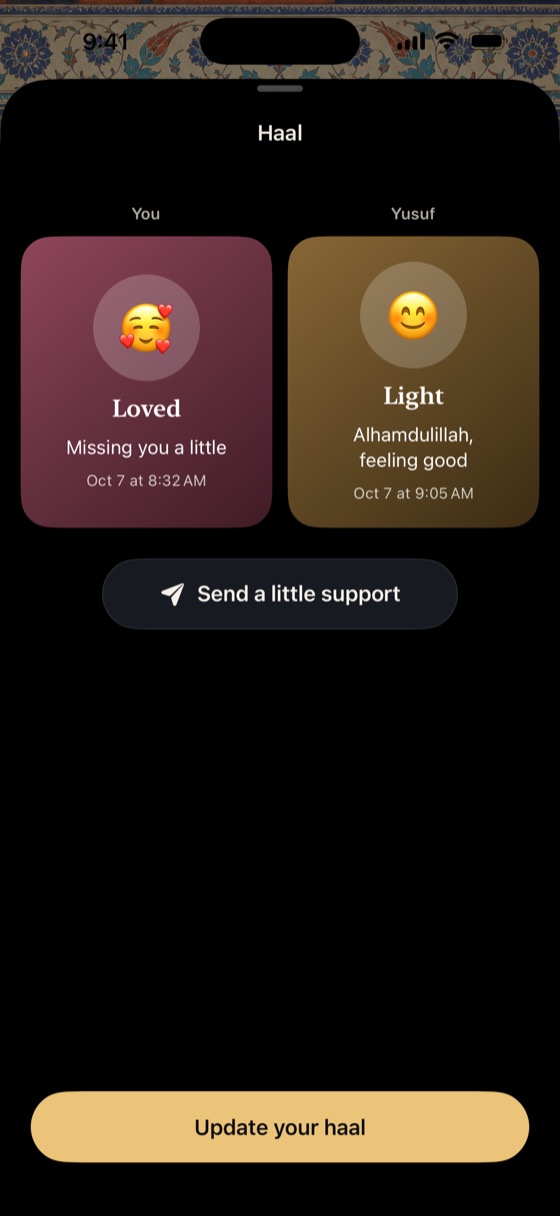
Haal (حال) is Arabic for the state you’re in. Pick one of fifteen, from Light and Hopeful to Tired, Heavy or In Dua, and add a line if you want to say more.
In their room it turns into the weather outside the window: clear when you’re Light, cloudy when you’re tired, rain on a heavy day, and rays of light when you’re in dua. There’s a Haal widget for the Lock Screen too.
The Qur’an, dhikr and salah, in the same app.
No switching apps to read a surah, count your dhikr or check when Asr is.
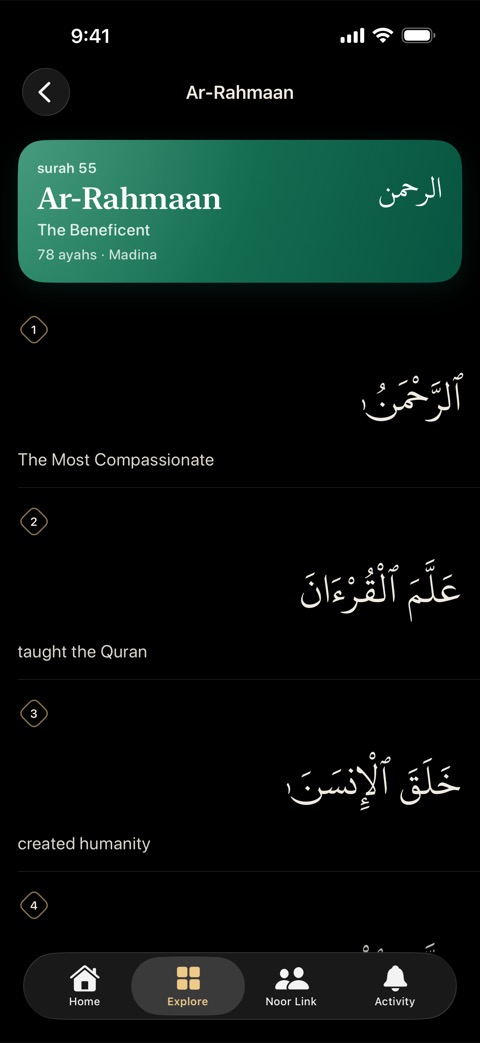
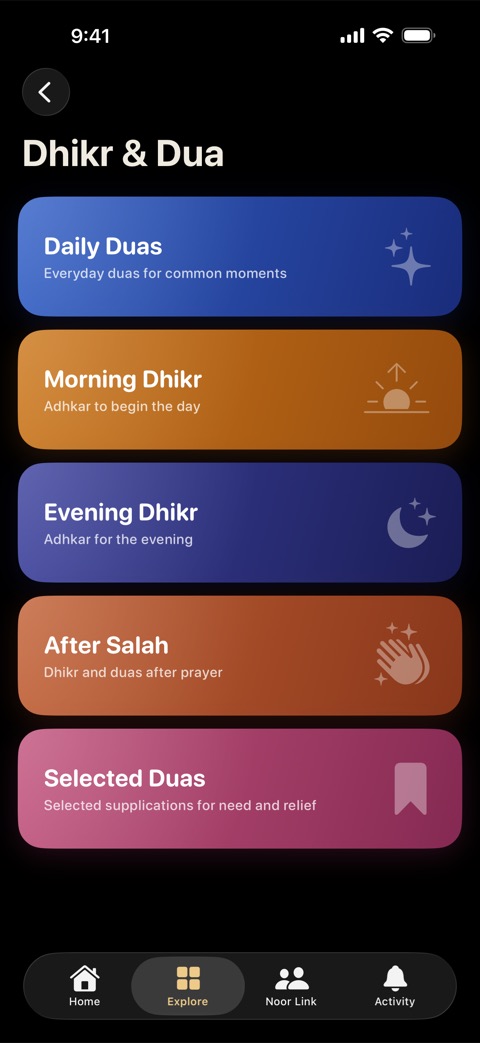
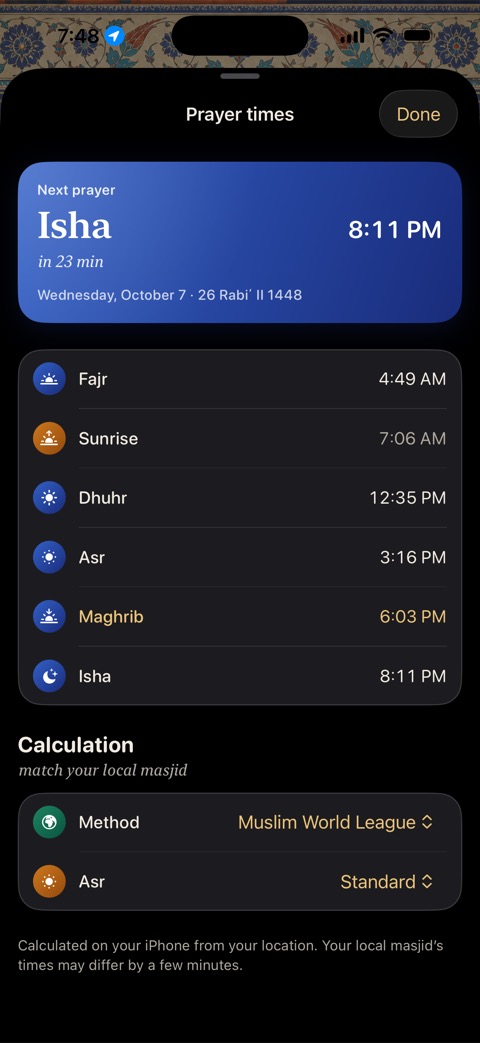
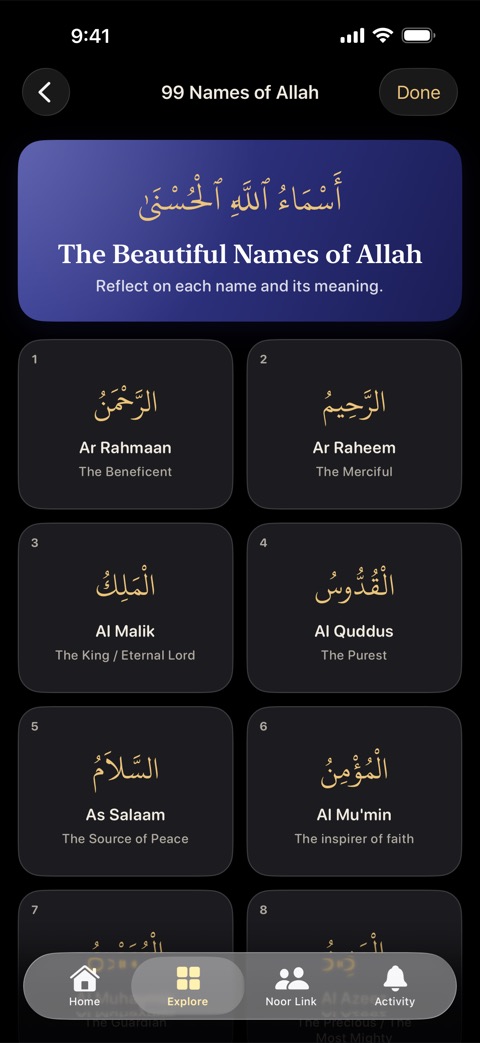
There’s a Qibla compass too. It works offline, and your location stays on your phone.
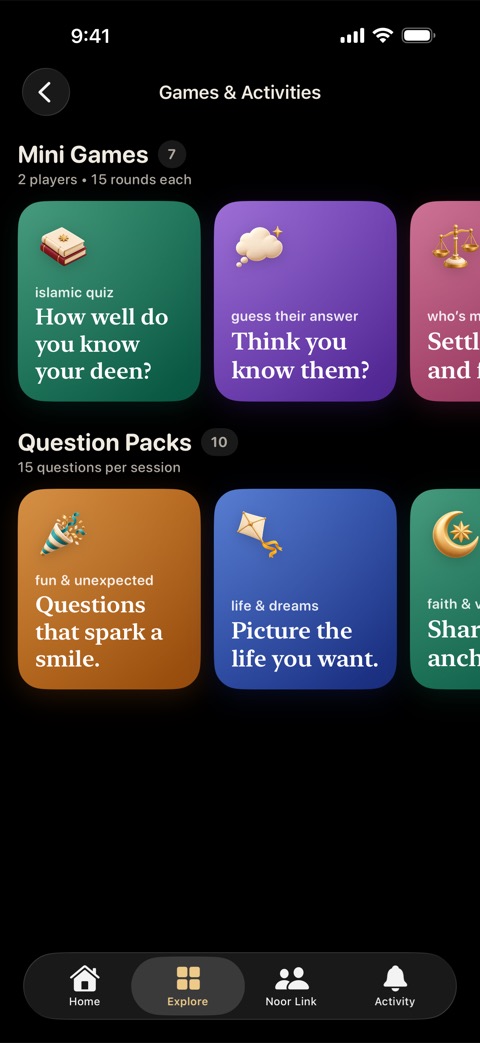
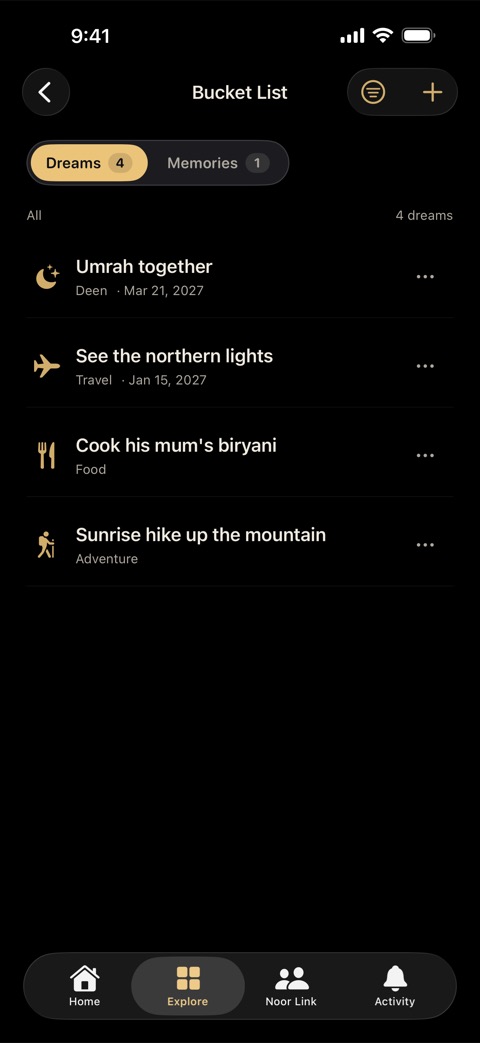
Something to do together, even from two cities.
Seven rooms, day and night.
Start in Sakinah Sky, or move into a room inspired by the Rashidun, Umayyad, Abbasid, Andalusian, Ottoman or Mughal eras. Each has its own window, lantern, rug and plant.
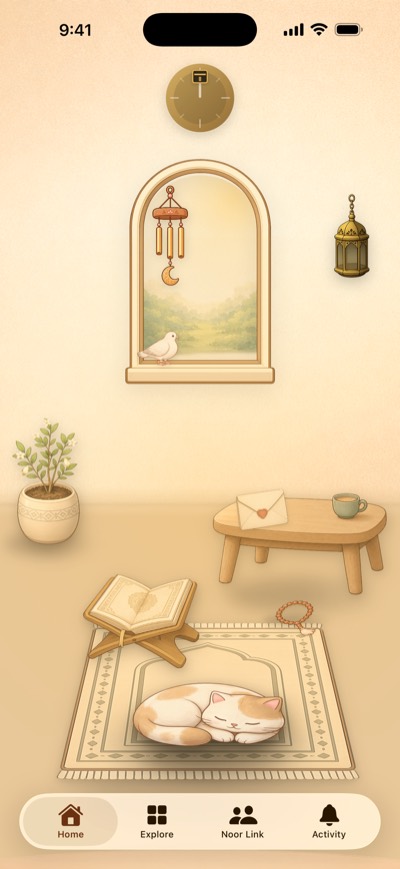 Sakinah SkyThe first room
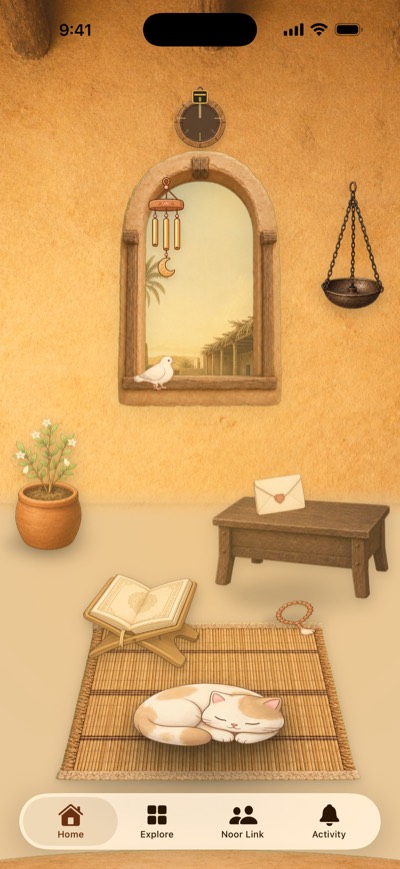 Rashidun632–661 CE
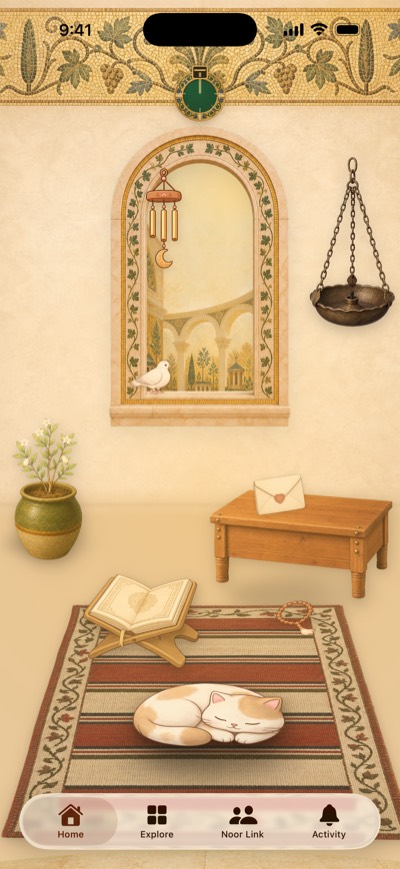 Umayyad661–750 CE
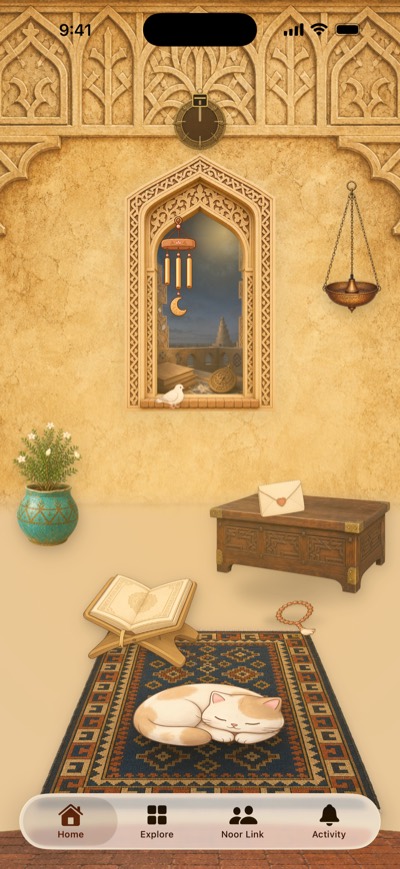 Abbasid750–1258 CE
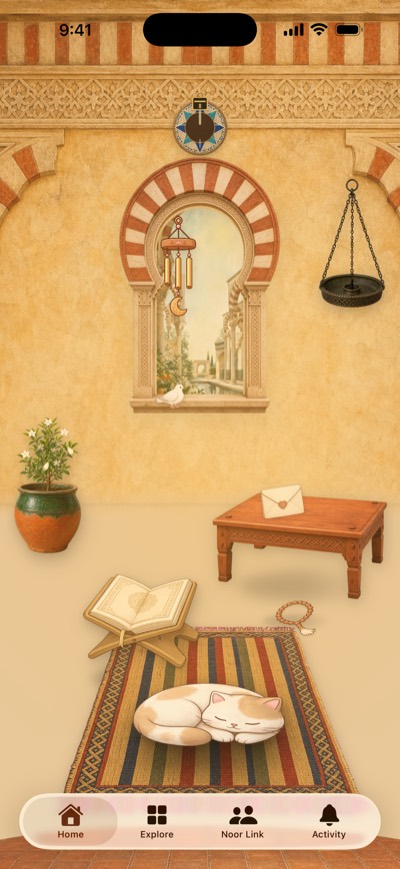 Al-Andalus711–1492 CE
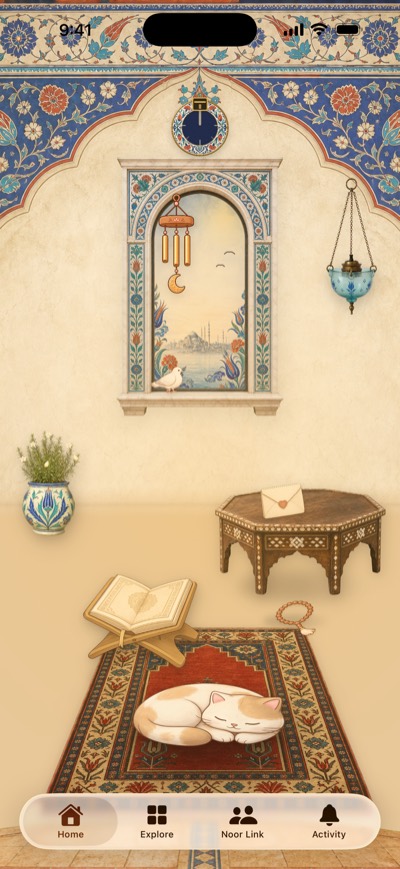 Ottoman1299–1922 CE
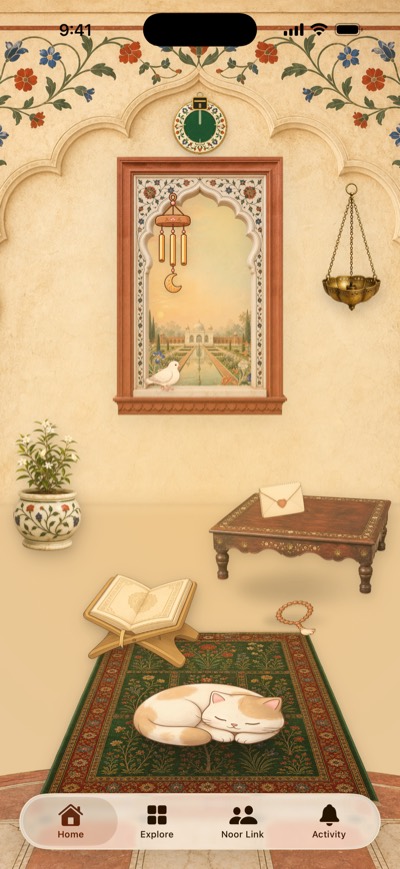 Mughal1526–1857 CE
Just the two of you.
Noor Notes isn’t a social network. There’s no feed, no followers, and nothing public.
Read the privacy policy- Invitation only
- You join a Noor Link with a code from the other person. Nobody can search for you.
- No ads
- We don’t sell personal information, and we don’t track you across other companies’ apps and websites.
- Your location stays put
- The Qibla compass and prayer times are worked out on your iPhone, so your location stays on it.
- Easy to leave
- You can leave a Noor Link or delete your account from inside the app.

Make a room for two.
Free on iPhone, with an optional Pro subscription. Needs iOS 18.1 or later.